Data management
|
In this module, you will review the main concepts, related tools and best practices for data management, particularly, data cleaning and standardization. |
Principles of data cleaning
|
In this video (09:49), you will review an important set of principles necessary to improve data through the processes of data cleaning based on the Principles of Data Quality, Chapman AD (2005). Subtitles for this video are available in French and Spanish. If you are unable to watch the embedded video, you can download it locally. If you download it locally, subtitles are not available. (MP4 - 27.9 MB) If you prefer to read, you will find the transcript below the embedded video. |
Presentation transcript
Click to expand
Slide 1 - Data cleaning
In this presentation, we are going to explore the key principles and processes important to effective data management.
Photo: GBIF: https://www.gbif.org/occurrence/2597778861 Passiflora miniata Vanderpl. Rights holder: Gee (Gerard Chartier) License: http://creativecommons.org/licenses/by/4.0/ Reference: https://www.flickr.com/photos/33212211@N00/49747811713/
Slide 2 - Key concepts
The concept of data management includes a wide range of topics, from metadata formats to database organization. In this presentation we are going to discuss an important set of principles necessary to improve data through the processes of data cleaning.
Photo: GBIF: https://www.gbif.org/occurrence/2563595544 Passiflora miniata Vanderpl. Rights holder: onidiras License: http://creativecommons.org/licenses/by-nc/4.0/ Reference: https://www.inaturalist.org/photos/60268318
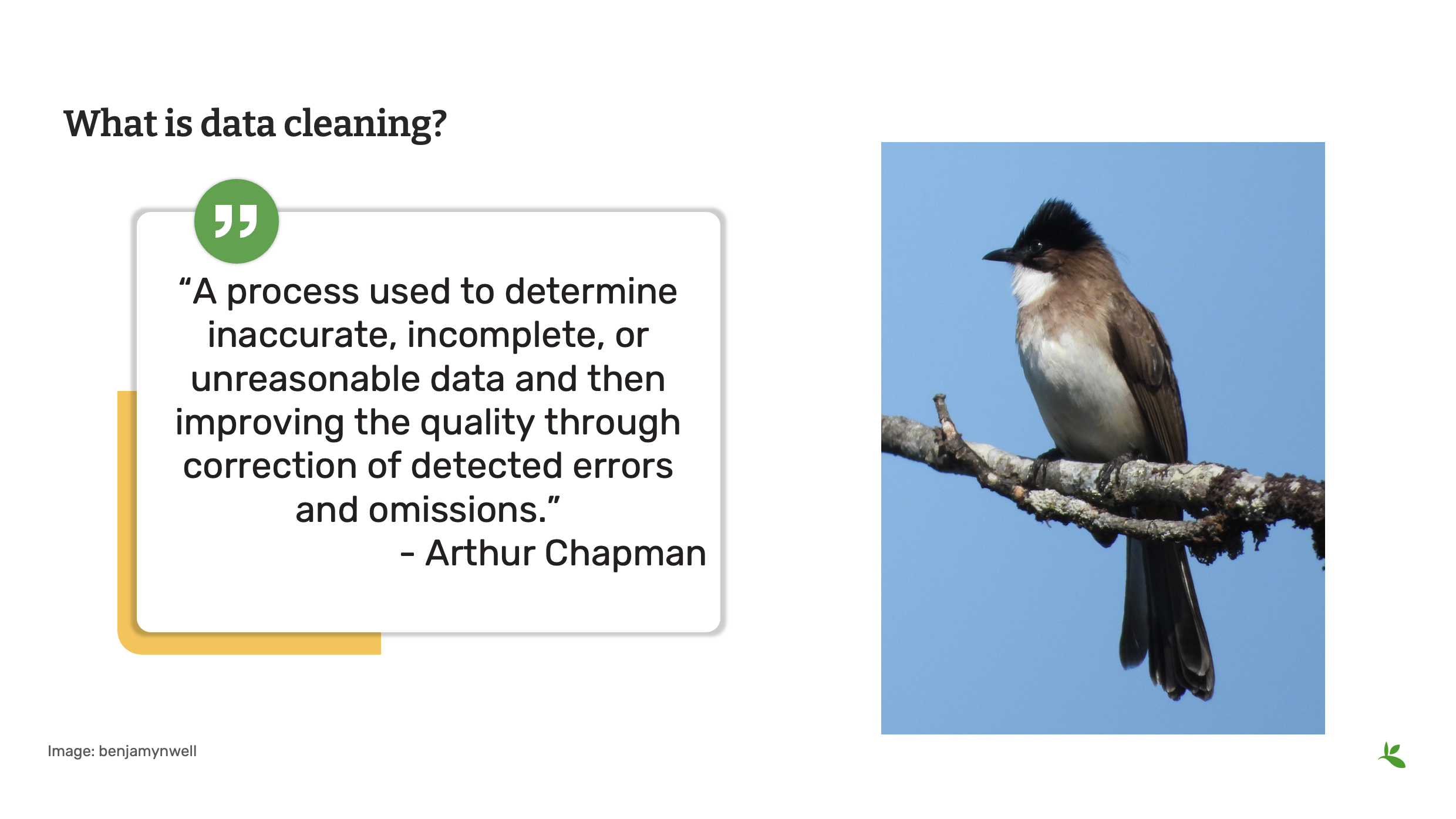
Slide 3 - What is data cleaning?
What is data cleaning?
Data Cleaning was defined by Arthur Chapman in 2005 as:
“A process used to determine inaccurate, incomplete, or unreasonable data and then improving the quality through correction of detected errors and omissions.”
The process of cleaning might include checks on formatting, completeness and reasonableness, the identification of outliers, review by content experts, and validation against accepted standards, rules, and conventions.
Photo: GBIF: https://www.gbif.org/occurrence/2574258605 Pycnonotus xanthorrhous Anderson, 1869 Rights holder: benjamynwell License: http://creativecommons.org/licenses/by-nc/4.0/ Reference: https://www.inaturalist.org/photos/61712704
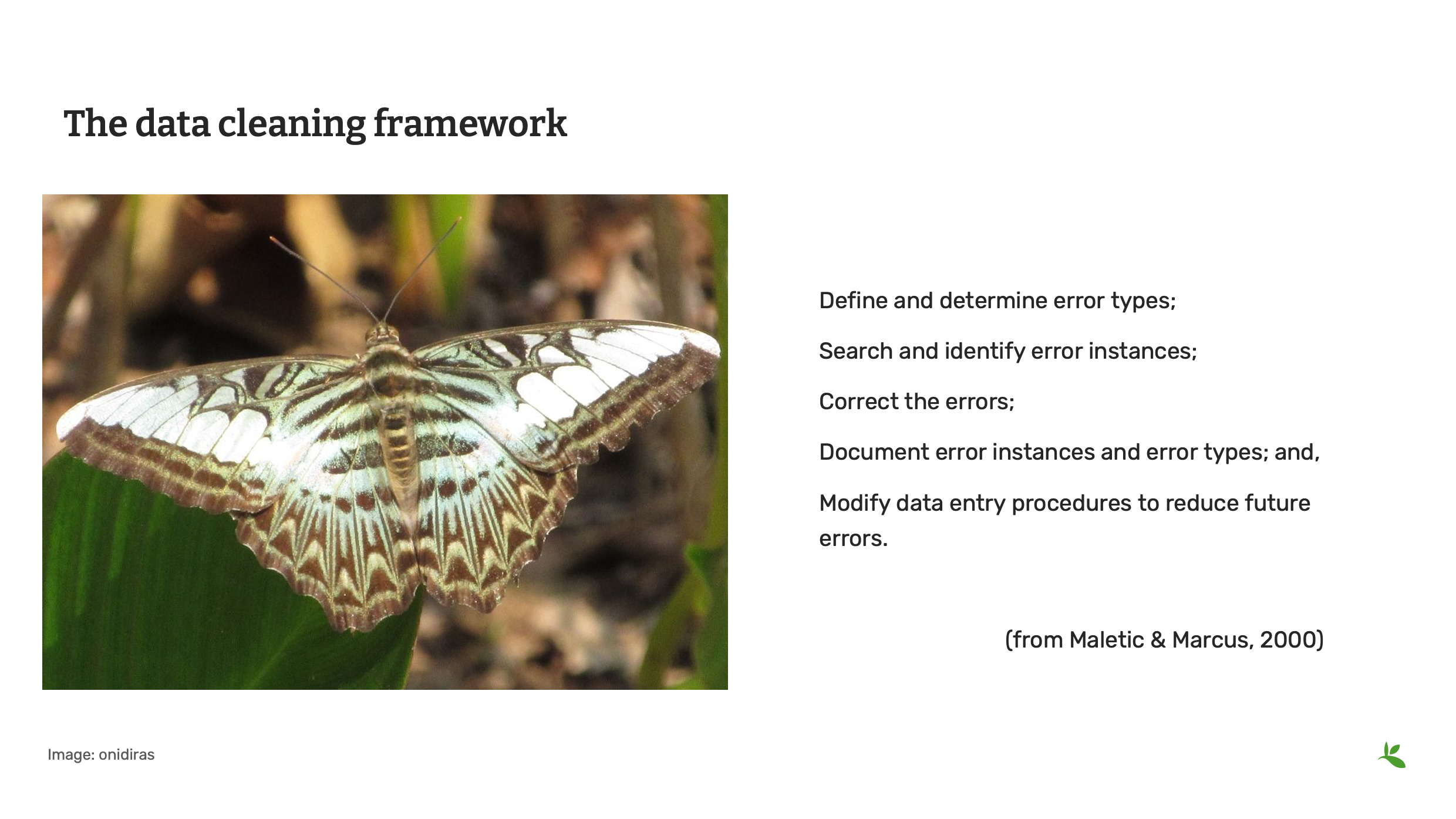
Slide 4 - The data cleaning framework
Although there are many methods that can be applied while cleaning data, we view the process of cleaning in five general steps:
-
First, we seek to determine and define the types of errors that are most likely present in our data.
-
Next, we conduct a search to identify the instances where those error have occurred.
-
Then, we will correct those errors, whenever possible.
-
When we decide on the best means to make corrections, we want to document both the types of errors we find, as well as the solutions we have applied to them.
-
Finally, we want to modify how data entry is practiced to reduce future errors of the same type.
Source: Maletic J.I., Marcus A. (2005) Data Cleansing. In: Maimon O., Rokach L. (eds) Data Mining and Knowledge Discovery Handbook. Springer, Boston, MA, https://doi.org/10.1007/0-387-25465-X_2
Photo: GBIF: https://www.gbif.org/occurrence/2563614792 Parthenos sylvia Rights holder: onidiras License: http://creativecommons.org/licenses/by-nc/4.0/ Reference: https://www.inaturalist.org/photos/60365988
Slide 5 - Why data cleaning
One thing is certain: Errors are common and we can always expect to find them in the data we maintain.
Our goal is to apply the best practices, including principles, processes, and tools, to make the data as fit for use as possible, even if we don’t know how data users will use the data.
Photo: GBIF: https://www.gbif.org/occurrence/2634008550 Calotes emma Gray, 1845 Rights holder: Brieuc Fertard License: http://creativecommons.org/licenses/by-nc-nd/4.0/ Reference: https://www.inaturalist.org/photos/65219025
Slide 6 - Principles of data cleaning
Let’s take a look at several of the recommended principles of data cleaning. These principles are presented for your consideration so that you can develop and improve upon your own data quality workflow. The workflow that you create should represent the most efficient and effective process to achieve the highest data quality given your institution’s resources and expertise.
Talk to your colleagues to learn about their workflows, but ultimately you should strive to create a workflow that will help you to achieve your data quality goals.
Photo: GBIF: https://www.gbif.org/occurrence/2444972450 Ranina ranina Linnaeus, 1758 Rights holder: Ondřej Radosta License: http://creativeco…ses/by-nc-sa/4.0/ Reference: https://www.inaturalist.org/photos/43974229
Slide 7 - Principles of data cleaning
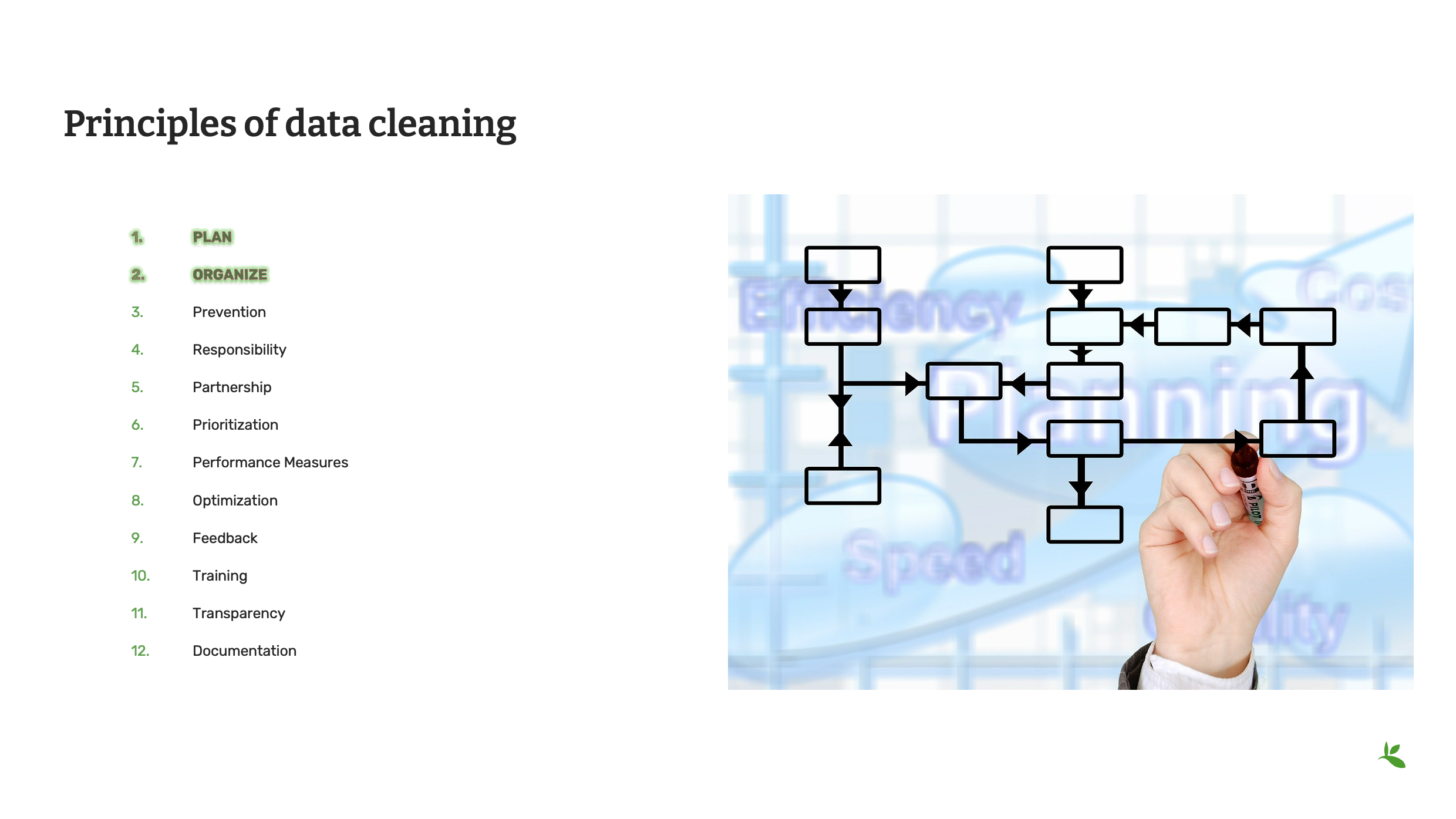
The first two principles in data cleaning are planning and organization.
Plan how you want the cleaning process to go. A scattered or random approach is not likely to produce consistent results. Develop and implement a strategy that fits with your institution’s resources and expertise. A solid plan will improve both your data and the reputation of your institution among data users.
One of the first steps of your plan should be to organize the data. For example, you could organize your data by taxon and then send the appropriate subset of data to individuals with the knowledge or resources to clean based on names. This can be done by geography or basis of record, or even in specifically sized packages of data in numeric order. Work to the strengths of your institution.
Image: Open License from Pixabay
Slide 8 - Principles of data cleaning
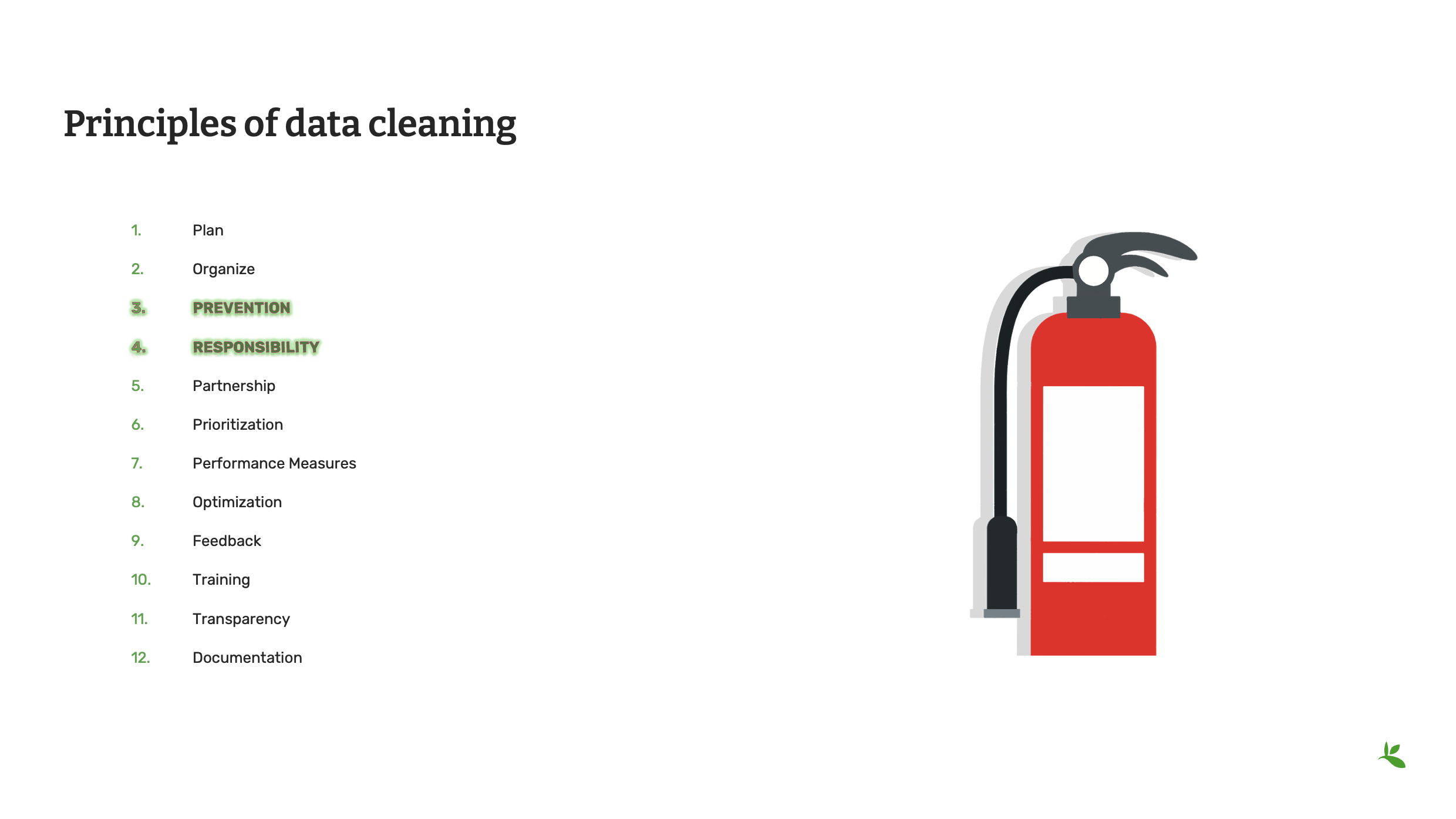
As Arthur Chapman says “Prevention is better than cure.” At the end of the day is always easier and less expensive to prevent an error than it is seek one out and correct it. The more planning you do in advance, even all the way back to the moment that data is recorded in the field, the fewer errors you are likely to find. Standardized vocabularies and clear procedures for data capture and data entry are only a few of the many tools you can use to prevent possible errors.
Be sure that everyone in your organization understands that data quality is everyone’s responsibility. Of course, the primary responsibility lies with the people who maintain the data, but everyone, from field technicians to students performing data entry to emeritus curators have a responsibility to treat the data with care and to communicate any errors or inconsistencies they might discover.
Image: Open License from Pixabay
Slide 9 - Principles of data cleaning
Data maintenance is only as effective as the expertise that support the process and no single individual can be expected to know everything about everything. Developing partnerships with data users and content experts can help to make the data quality process more successful. Reach out to your user community, both inside and outside of your institution, and work with them to help maintain your data at the highest quality.
Prioritize your cleaning to take advantage of the resources and knowledge that your institution possesses. For example, you may choose to review all of the data recorded by collectors who are still alive so that important data is not lost later. If you maintain a large dataset you might choose to prioritize data that can be cleaned at the lowest cost using automated processes and then prioritize the more difficult errors that require individual attention. Ultimately, you should prioritize the data that is of the greatest value to the work of your institution and then move through the data in a logical and orderly manner.
Image: Open License from Pixabay
Slide 10 - Principles of data cleaning
Some times it can be an effective strategy to set some measures of performance before the cleaning process begins. One performance measure might be to complete the cleaning of 500 records every week. Another measure might be to provide a statistical report of the accuracy of the corrections being made, such as:
“95% of all georeferences corrected this week now have an uncertainty in meters of less than 1000 meters.”
These kinds of measures can give direction and guidance to the people performing the cleaning, as well as, to serve as a means to report on successes and areas in need of improvement.
In an ideal world, you will have developed a data maintenance plan that has been optimized to be as efficient and effective as possible. Optimization can be achieved in many different ways including taking advantage of your institution’s strengths, setting clear objectives and measure of success, and regular adjustment of your priorities based on available resources.
Image: Open License from Pixabay
Slide 11 - Principles of data cleaning
One of the best ways to learn how successful your data cleaning and data maintenance processes are, is to seek feedback from the data users in your community. This can be accomplished through the partnerships we discussed earlier, but you can also seek feedback in other ways. Once such way is to review the way that GBIF presents your data. You can view the comparison between the verbatim data published to GBIF and the interpreted data that GBIF might have corrected or updated. These comparisons can help you to optimize your data cleaning process, but you can also help GBIF to improve its data quality processes, too, when you provide expert feedback back to them.
One of the best ways to achieve success with data cleaning is to provide training and education to everyone who works with your data. These may be trainings that you organize yourself, local or regional trainings in partnership with, or presented by, other institutions in your area, or workshops and courses provided by other groups, such as GBIF. If you need training, please check the GBIF web site regularly or contact GBIF’s Community Mentors or GBIF’s Biodiversity Open Data Ambassadors who also can be good resources for training and education opportunities.
Image: Open License from Pixabay
Slide 12 - Principles of data cleaning
Documentation is one of the most important principles of data cleaning. This is true in two key ways.
First, whatever processes you use to maintain your data, it is important to be transparent about how errors are discovered and corrected. This transparency can be truly successful when the data cleaning process is well documented. Without clear and accessible documentation, you run the risk of losing best practices, building redundant processes and losing optimization. Good documentation will help you to avoid recurring errors.
Documentation is also key to good data quality. Good documentation, in metadata, for example, allows data users to determine the fitness for use of your data. Your documentation should not only include good metadata, it should also include the best practices, standardized vocabularies, and taxonomic and geographic authorities used. Documenting what data was cleaned by whom will help you to improve your optimization, reach performance measures, and ultimately, tell a more complete story of where your data came from and how it was improved over time.
Image: Open License from Pixabay

Slide 13 - Conclusion
This is part of a series of presentations used in the GBIF Biodiversity Data Mobilization course. The biodiversity data mobilization curriculum was originally developed as part of the Biodiversity Information Development Programme funded by the European Union.
This presentation was originally created by Nestor Beltran with additional contributions by David Bloom, BID and BIFA Trainers, Mentors and Students.
Exercise 2a
|
For this exercise, you will perform a series of validation checks to evaluate the provided file for errors. |
The Swedish Butterfly Network has decided to begin sharing their data with GBIF. You have received an Excel file from the data capture team and have been asked to validate and correct the data in the file.
Validation checks
In this exercise we will focus on technical and consistency errors and perform a basic validation check to identify the errors.
Refer to Validation checks for information on the types of errors.
-
Download UC-Practice-2ab-ForCleaning.xlsx. (43 KB)
-
Open the file in Excel and examine the three tabs.
-
Find and document the errors (indicating the technical or consistency subtype).
-
Manually fix the errors if you have time.
-
Use the previously downloaded exercise sheet (PDF, 4 MB) to provide your answers.
Data management tools
|
In this video (06:42), you will learn about a variety of tools that you can use to improve the quality of your data. Subtitles for this video are available in French and Spanish. If you are unable to watch the embedded video, you can download it locally. If you download it locally, subtitles are not available. (MP4 - 30.3 MB) If you prefer to read, you will find the transcript below the embedded video. |
Presentation transcript
Click to expand
Slide 1 - Data management - Tools
In this presentation, we are going to explore the importance of software tools that can help to maintain, clean and standardize your data.
Image by Mudassar Iqbal from Pixabay
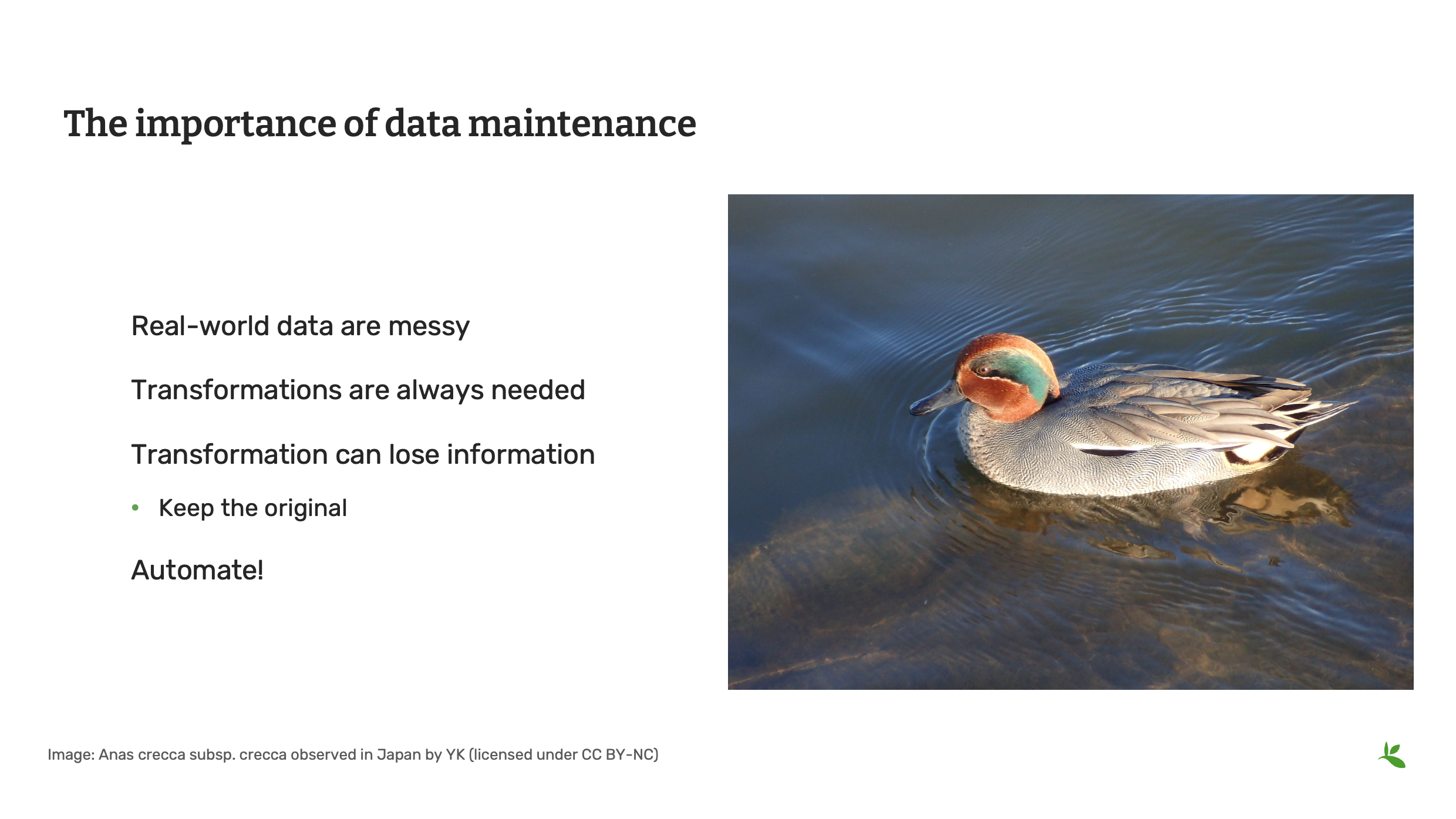
Slide 2 - Importance of data maintenance
Data Quality happens at every step in the data mobilization process. Within the roles on your team, you should ensure that someone is responsible and skilled with data maintenance and manipulation. We know that real-world data are messy and transformation and standardization is needed to make the data easily understandable and fit for use.
When transforming data (for example merging columns, converting coordinates, changing datum, etc), make sure that you document changes and that you have an original copy that you can revert to if necessary.
Photo: Anas crecca subsp. crecca Observed in Japan by Yoshi.K. CC BY-NC 4.0
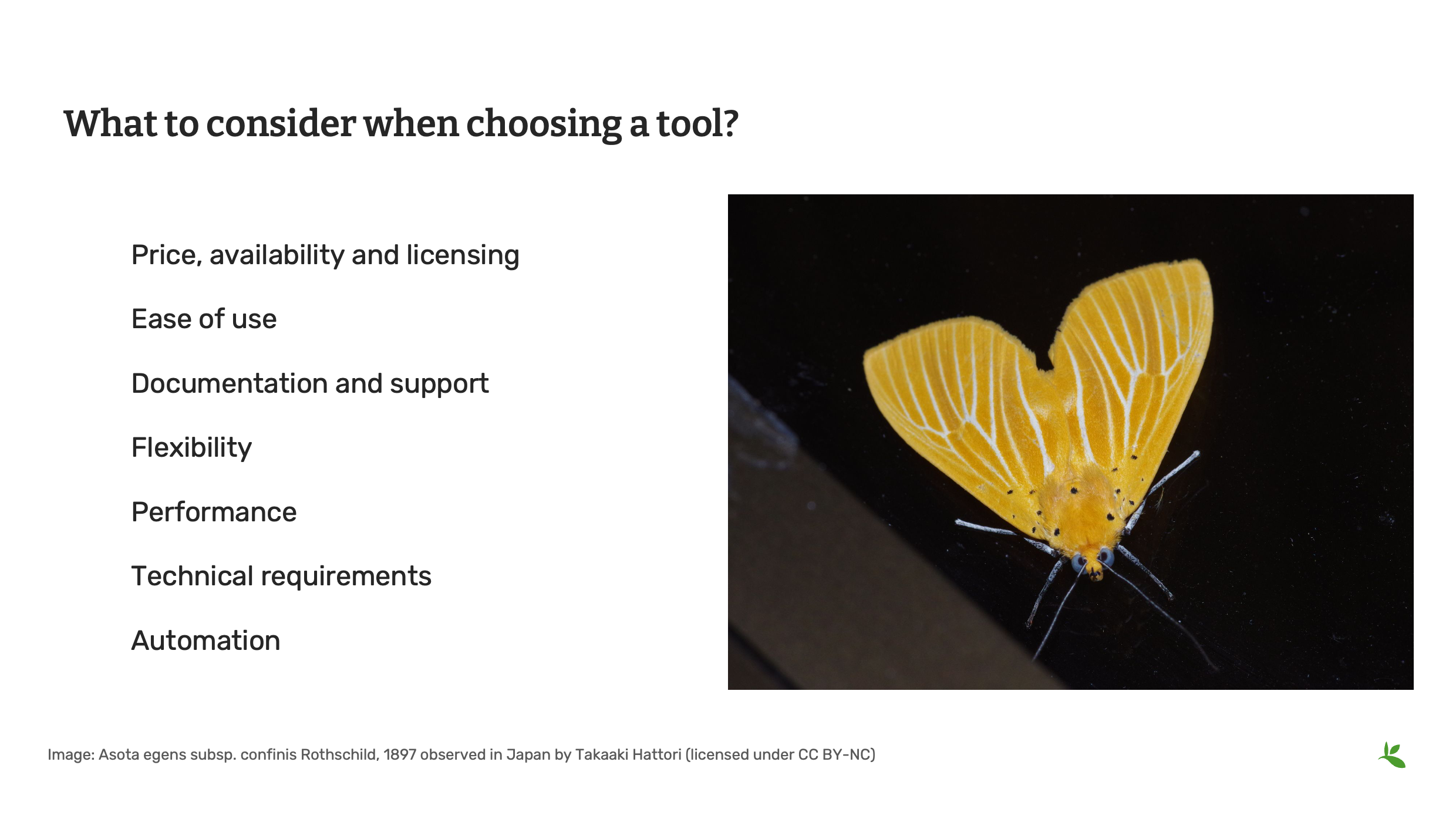
Slide 3 - What to consider when choosing a tool
As was covered in the foundations course, in the software section, in choosing tools, some things you should consider include, price, ease of use, documentation and support and any technical requirements to run the tool. No tool is perfect. The importance is to find the right balance and the tool that fits your requirement.
Photo: Asota egens subsp. confinis Rothschild, 1897 Observed in Japan by Takaaki Hattori CC BY 4.0
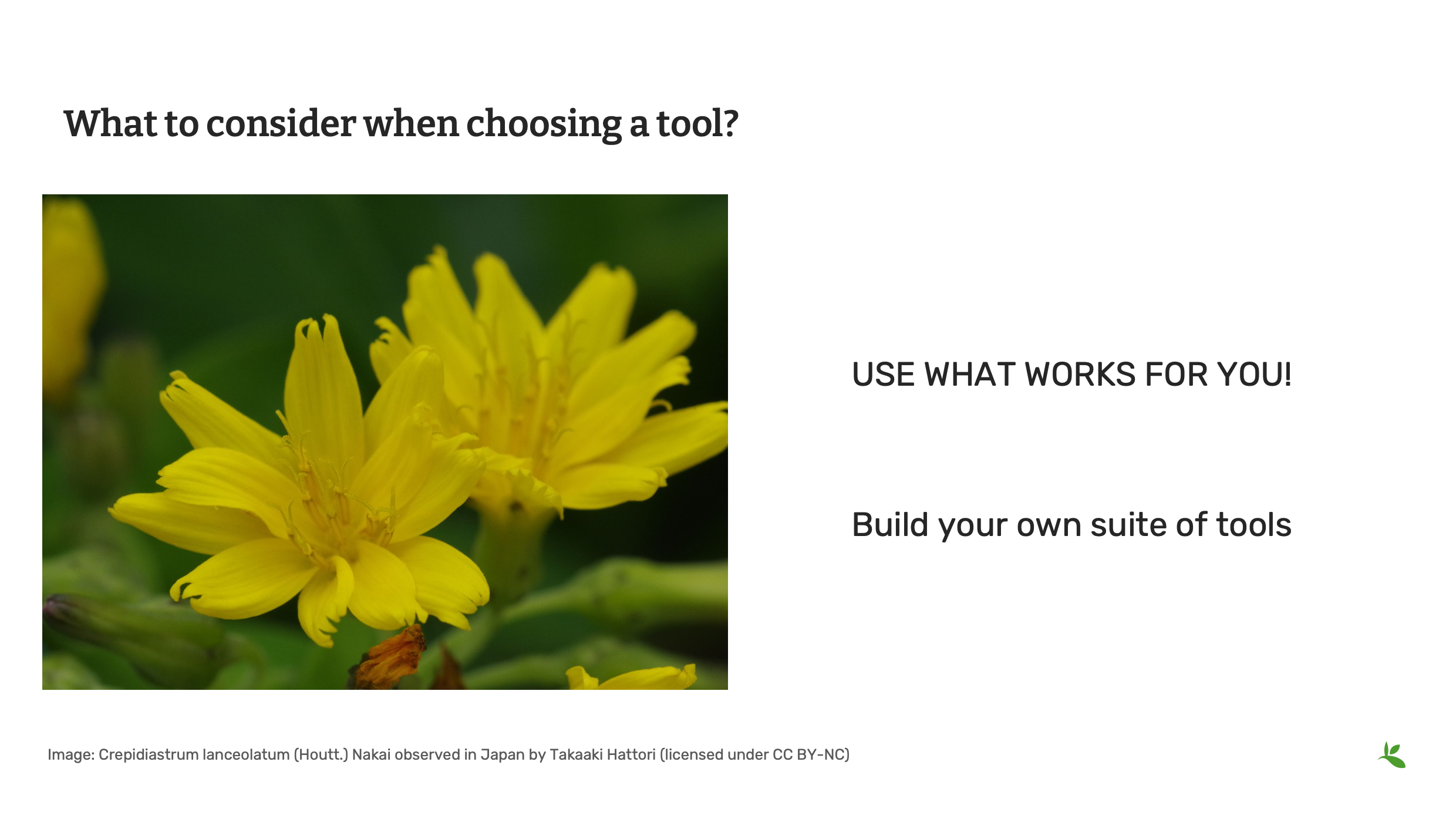
Slide 4 - What to consider when choosing a tool
The tools you choose may not be the tools that others use within your institution – and that’s just fine, unless your organization places mandates on the tools you can use. You need to find and use the tools that help you to achieve the goals of your institution. So, you need to build a palette of tools that will help you and the people with whom you work to do their work as effectively as possible.
Photo: Crepidiastrum lanceolatum (Houtt.) Nakai Observed in Japan by Takaaki Hattori CC BY 4.0
Slide 5 - Basic technical considerations
Some of the technical considerations when choosing tools should include the inputs and outputs that the tool uses for files.
Does it allow for importing and exporting standardized delimited files?
Can you select encoding (for example UTF-8) when opening or saving files to avoid encoding issues with special characters.
Photo: Conus (Virroconus) ebraeus Linnaeus, 1758 Observed in Japan by Robert Guralnick CC BY 4.0
Slide 6 - Tools - biodiversity data
In the Foundations course, we introduced you to a list of software tools compiled by previous trainers, mentors and students of this course. For the remainder of this presentation, we will review some of the tools that will be useful to complete the data management exercises in this course.
Photo: Chelonia mydas (Linnaeus, 1758) Observed in Thailand by Michael Barth CC BY-NC 4.0
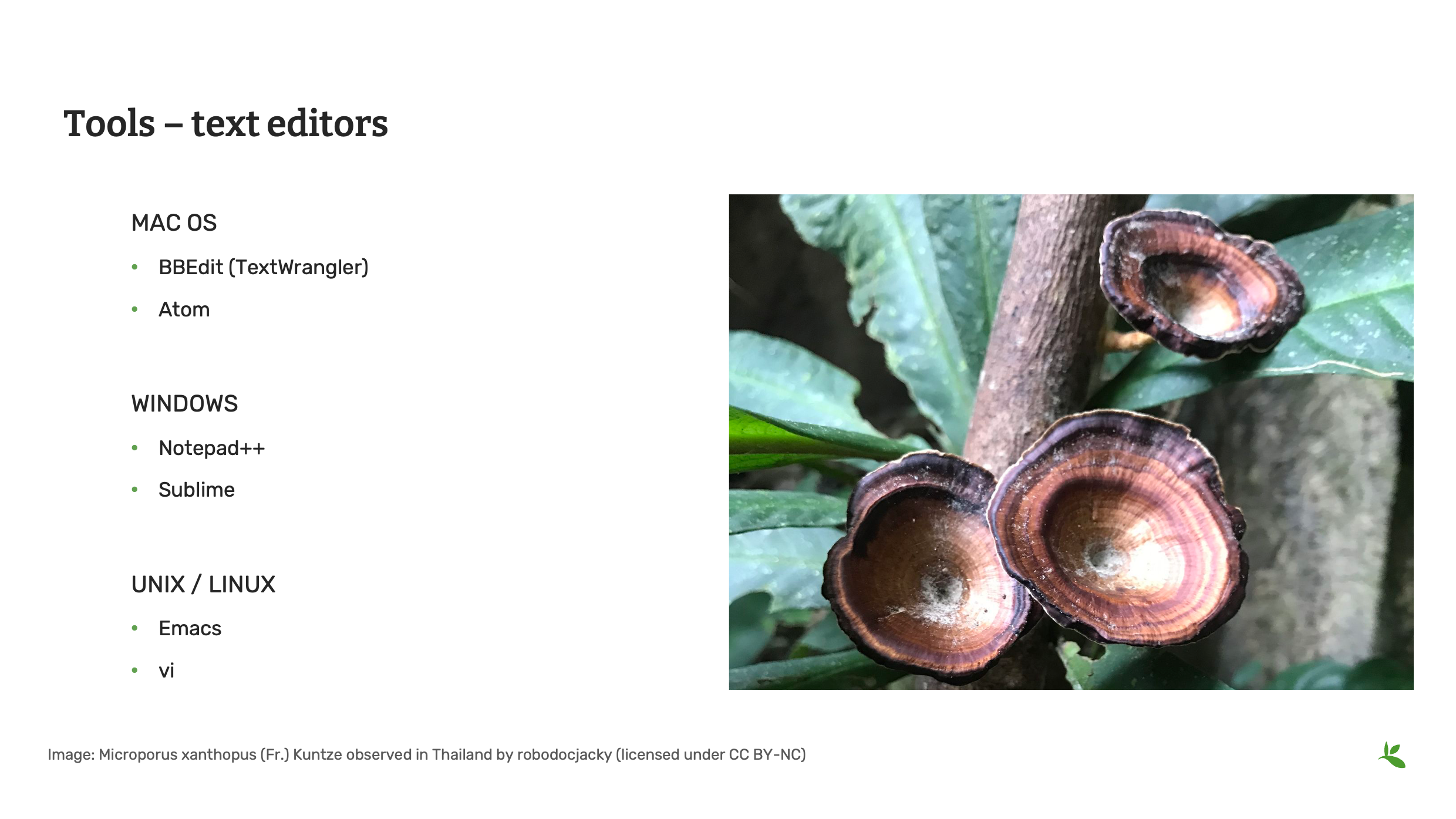
Slide 7 - Tools - text editors
When working with data files, you will often need a text editor that is able to do more than the default text editor that came with your operating system, particularly with Windows and Mac. Some good options include BBEdit, Notepad++ and Sublime. When creating files, you should be consistent and document your local settings and options. When opening and editing files, try different options and check the results to make sure there aren’t any issues before your proceed.
Photo: Microporus xanthopus (Fr.) Kuntze Observed in Thailand by Jacky CC BY-NC 4.0
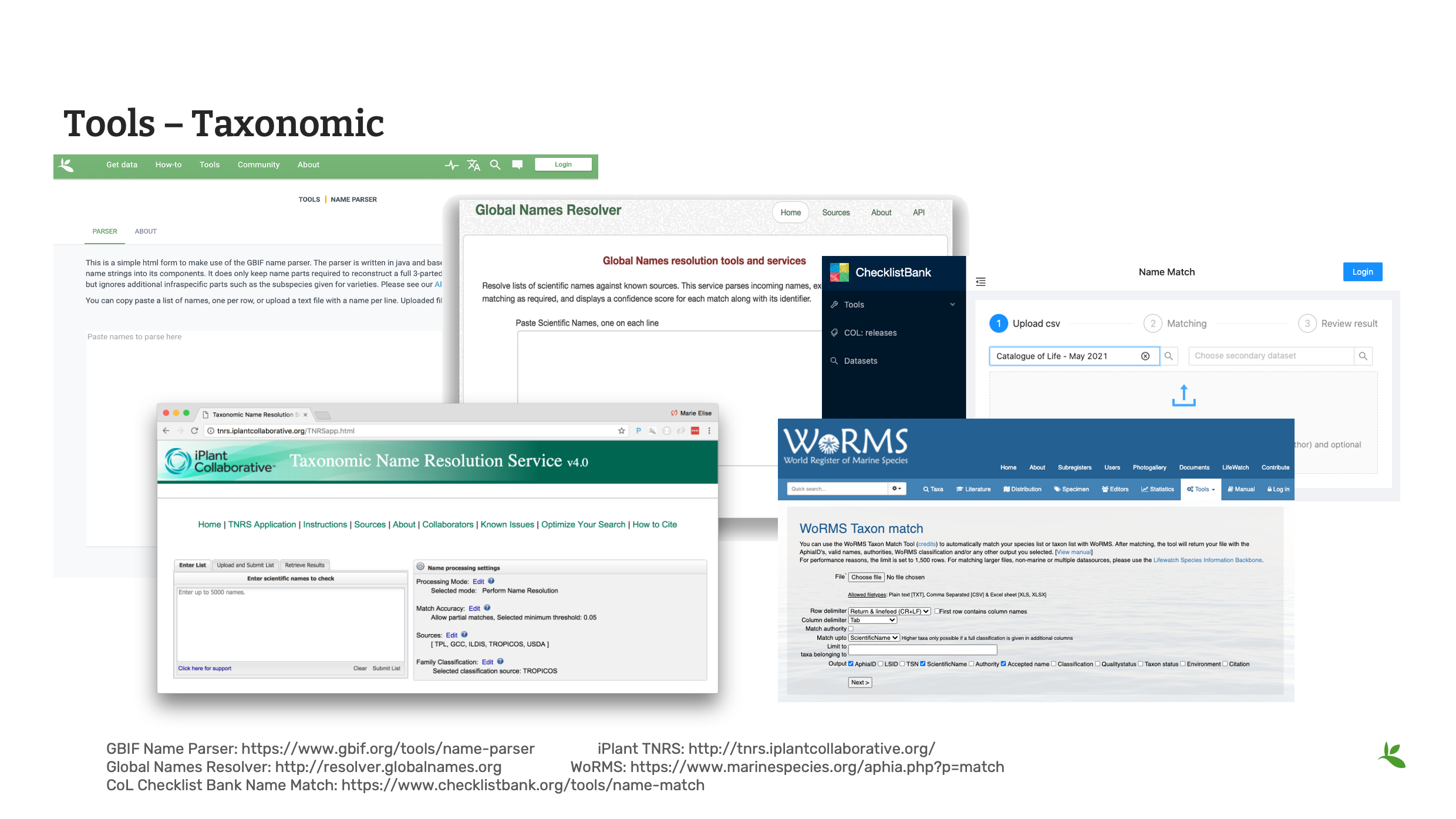
Slide 8 - Tools - taxonomic
Here we look at some useful tools for checking taxonomy within your data.
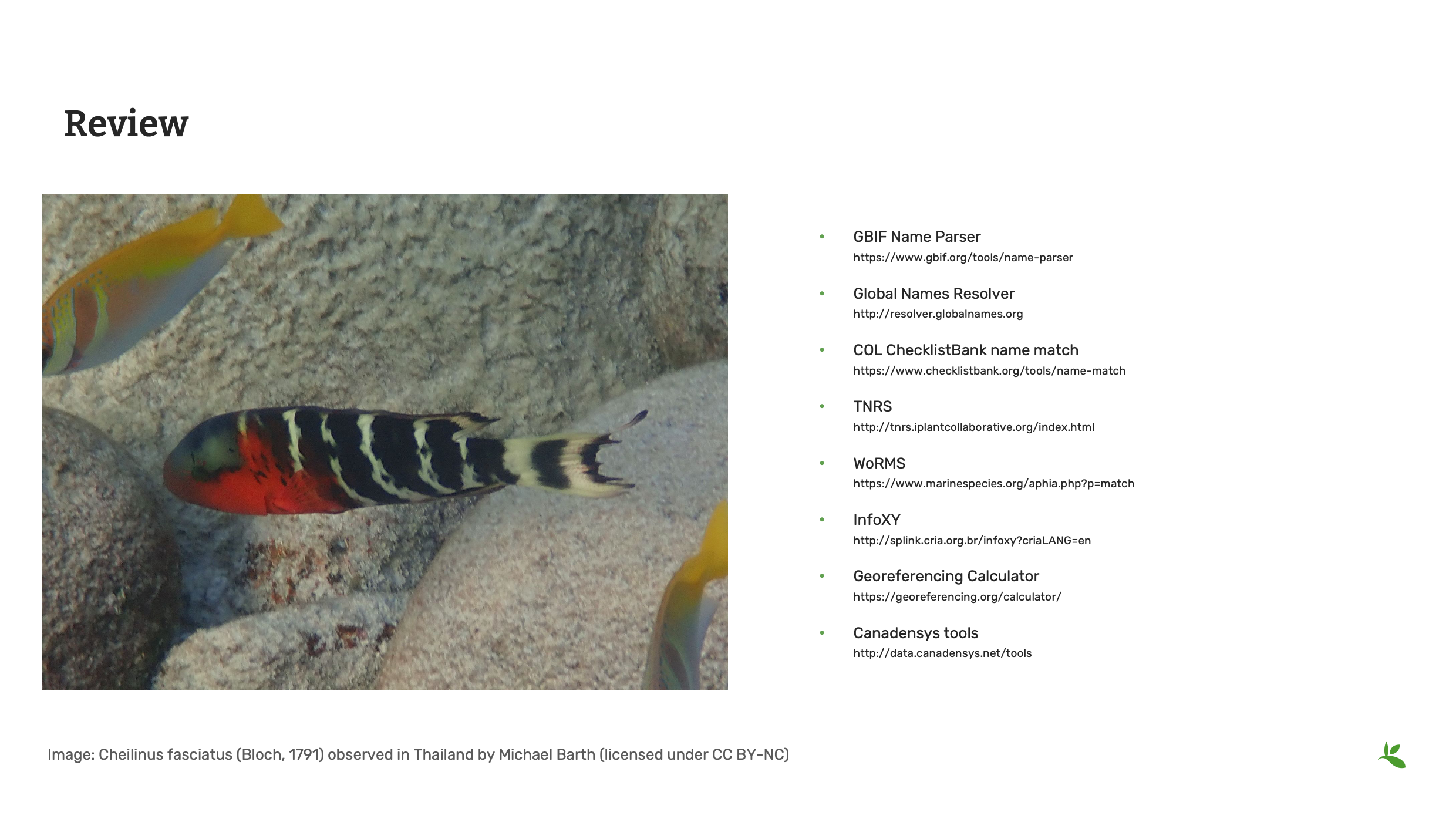
The GBIF Name Parser allows you to divide scientific name into its individual parts.
The Global Names Resolver uses fuzzy matching to show the accepted taxon or synonym.
The Catalogue of Life checklist bank offers a name matching tool. It indicates matches found within the checklist bank to the provided list of names and returns back the match along with higher taxonomy.
In addition to these tools, there are tools that deal with specific taxonomic thematic categories like the iPlant Taxonomic Name Resoluton and the World Register of Marine Species.
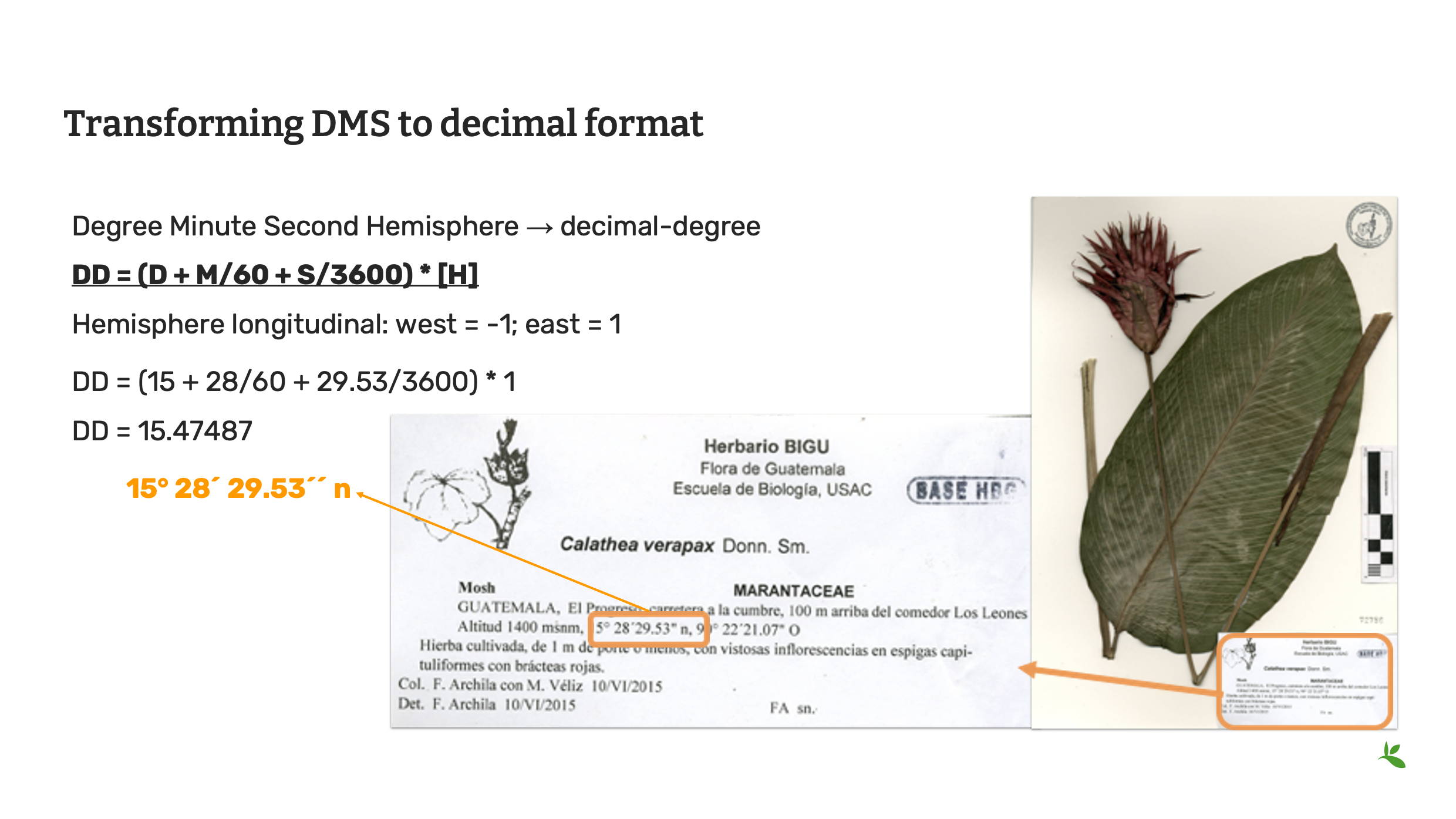
Slide 9 - Transforming DMS to decimal format
Often you will find within your datasets, that coordinates have been stored in the degrees minutes seconds format (otherwise known as DMS) and you will need to convert this to decimal degrees to starndarize the data for the Darwin Core fields of decimalLatitude and decimalLongitude. You can do this yourself using this mathematical formula.
Decimal degrees = (minutes + arc-minutes/60 + arc-seconds/3600) * hemisphere
Hemisphere longitudinal: west = -1; east = 1
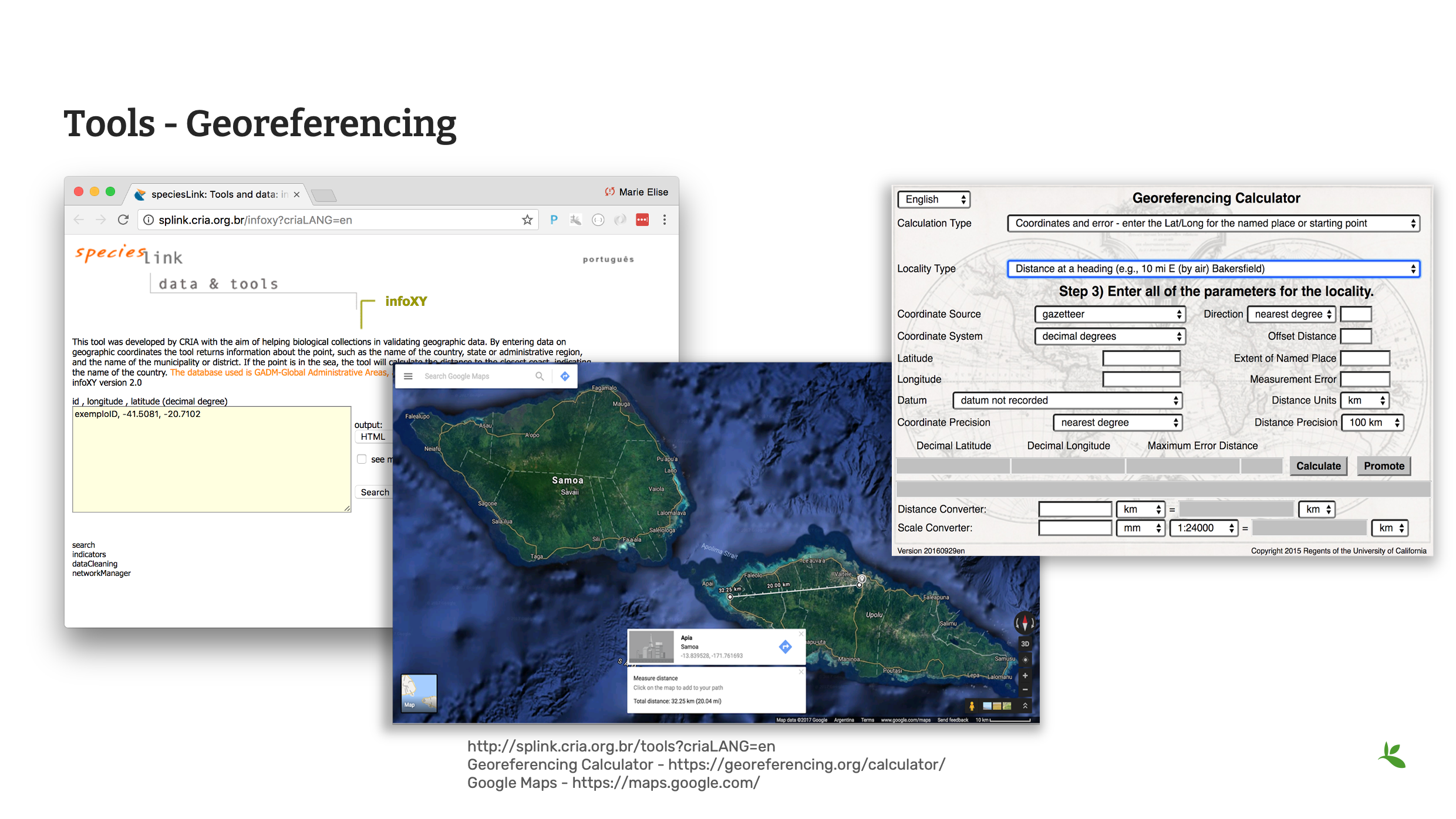
Slide 10 - Tools - georeferencing
However, there are tools online that can help you with geoferencing and the conversion of coordinates.
CRIA’s Species link hosts a variety of data cleaning tools. infoXY can help to get locality information using geographic coordinates.
The Georeferencing Calculator is a tool created to aid in the georeferencing of descriptive localities such as those found in museum-based natural history collections.
Additionally, you may also find Google Maps or Google Earth useful. Google Maps contains all of the navigation, mapping power and points of interest with just a small hint of satellite imagery, while Google Earth has complete 3D satellite data and just a small subset of information on places, without any point-to-point navigation.
As we do not teach georeferencing in this course, it is recommended that you review the Georeferencing documentation, available on the GBIF website before completing any large scale georeferencing project.
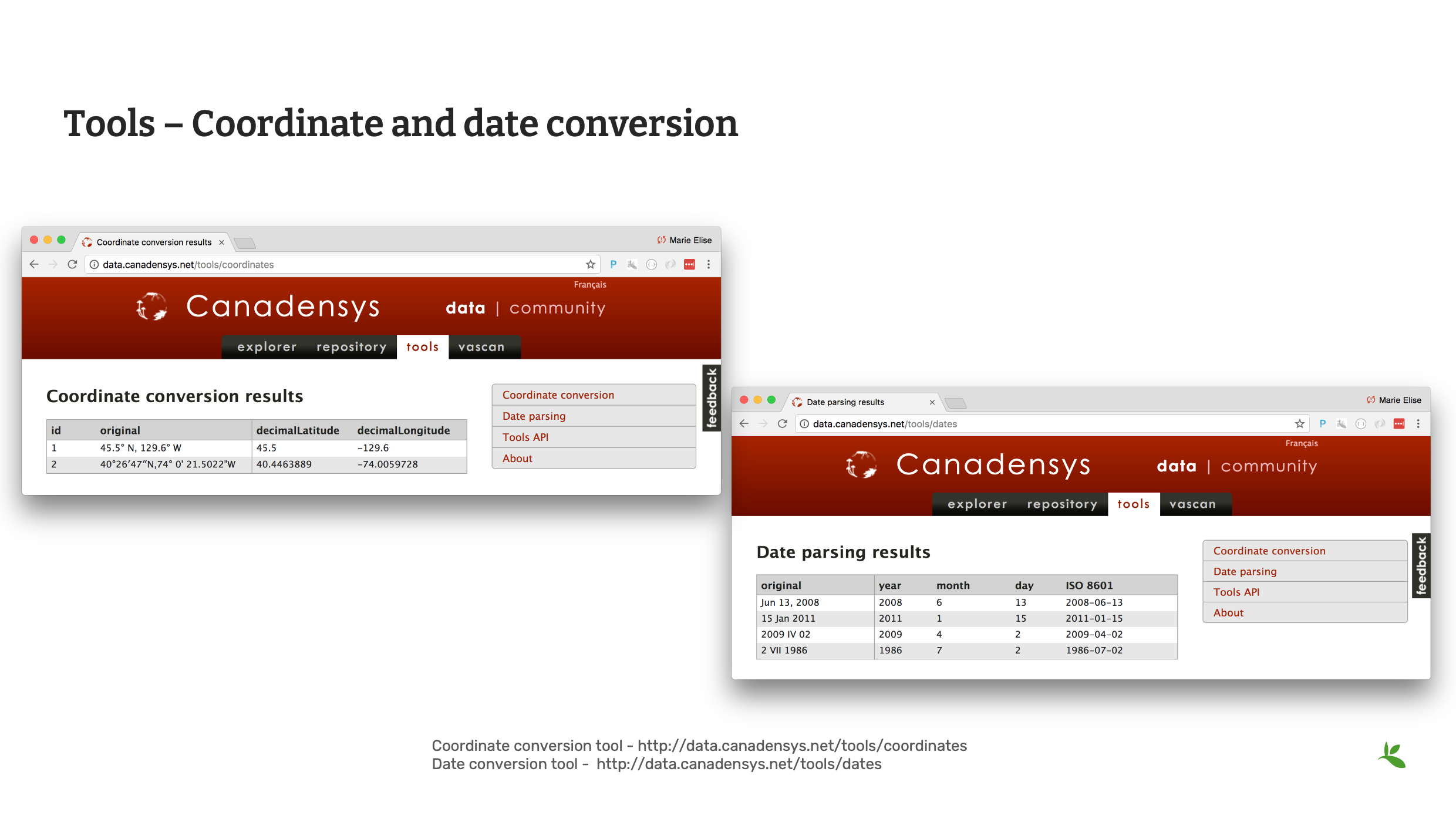
Slide 11 - Coordinate and date conversion
Canadensys offers two tools that can help with both Coordinate and Date conversion.
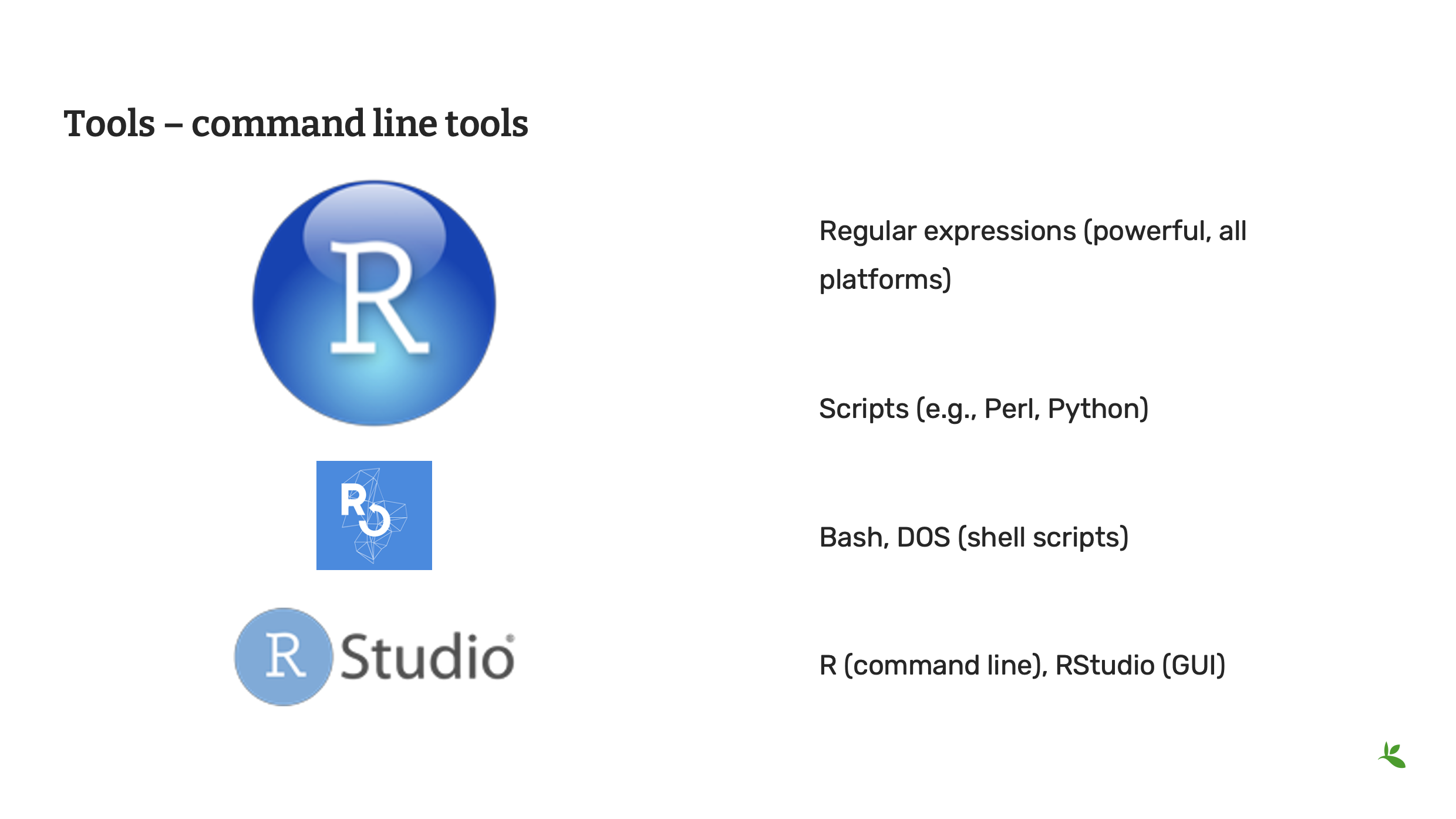
Slide 12 - Command line tools
Operating systems come with their own set of command line consoles. Additionally, many desktop tools provide command line functionality to be used within those consoles. Command line tools are great for scripting to automate processes.
Slide 13 - Review
Remember there are many, many sources for validating, cleaning and standardizing your data. Until you develop your preferred list of tried and trusted tools, remember to explore many options.
Photo: Cheilinus fasciatus (Bloch, 1791) Observed in Thailand by Michael Barth CC BY-NC 4.0

Slide 14 - Conclusion
This is part of a series of presentations used in the GBIF Biodiversity Data Mobilization course. The biodiversity data mobilization curriculum was originally developed as part of the Biodiversity Information Development Programme funded by the European Union.
This presentation was originally created by Nestor Beltran with additional contributions by Sophie Pamerlon and David Bloom, BID and BIFA Trainers, Mentors and Students.
Exercise 2b
|
For this exercise, you will practice cleaning data using Excel and other helpful tools. |
Data cleaning with Excel
SBN has given you a checklist of data quality elements to verify:
-
All names are correctly spelled and are butterflies
-
All names are complete
-
All coordinates are inside the country stated and converted to decimal format
-
All dates are in the proper column and in the format YYYY-MM-DD
-
Refer to Helpful tools in order to complete the exercise. It is suggested to use the GBIF Species Matching tool, the Canadensys Coordinate Converter and InfoXY. You are not limited to these tools, you may use any tools you like.
-
Continue using the same file from the previous exercise.
-
Correct any additional errors found in the dataset and document the changes you perform in the exercise sheet.
-
Use the previously downloaded exercise sheet to provide your answers.
-
OpenRefine
|
In this video (03:27), you will learn about OpenRefine. You can use OpenRefine to standardize and improve the quality of your data. Subtitles for this video are available in French and Spanish. If you are unable to watch the embedded video, you can download it locally. If you download it locally, subtitles are not available. (MP4 - 7.7 MB) If you prefer to read, you will find the transcript below the embedded video. |
Presentation transcript
Click to expand
Slide 1 - Data management - OpenRefine
In this presentation, we are going to introduce OpenRefine as a tool for data cleaning.
Slide 2 - OpenRefine
Previously known as Google Refine; it is now Open access and open sourced. OpenRefine can be used for data cleaning and standardization. You can find it at openrefine.org.
Slide 3 - What is OpenRefine?
OpenRefine is a powerful tool for working with messy data.
OpenRefine supports faceted browsing as a mechanism for seeing a big picture of your data, and filtering down to just the subset of rows that you want to change in bulk.
The clustering feature works by trying to group the choices in the text facet, so that choices that "look similar" get grouped together.
Reconciliation is a semi-automated process of matching text names to database IDs or keys.
You can use OpenRefine to perform reconciliation of names in your data against any database that exposes a web service following the Reconciliation Service API specification.
Slide 4 - What OpenRefine is not
OpenRefine, however, is not like other tools you’ve used. OpenRefine CANNOT be used for storing or managing data; it is strictly a cleaning and/or standardizing tool.
Slide 5 - Feature comparison
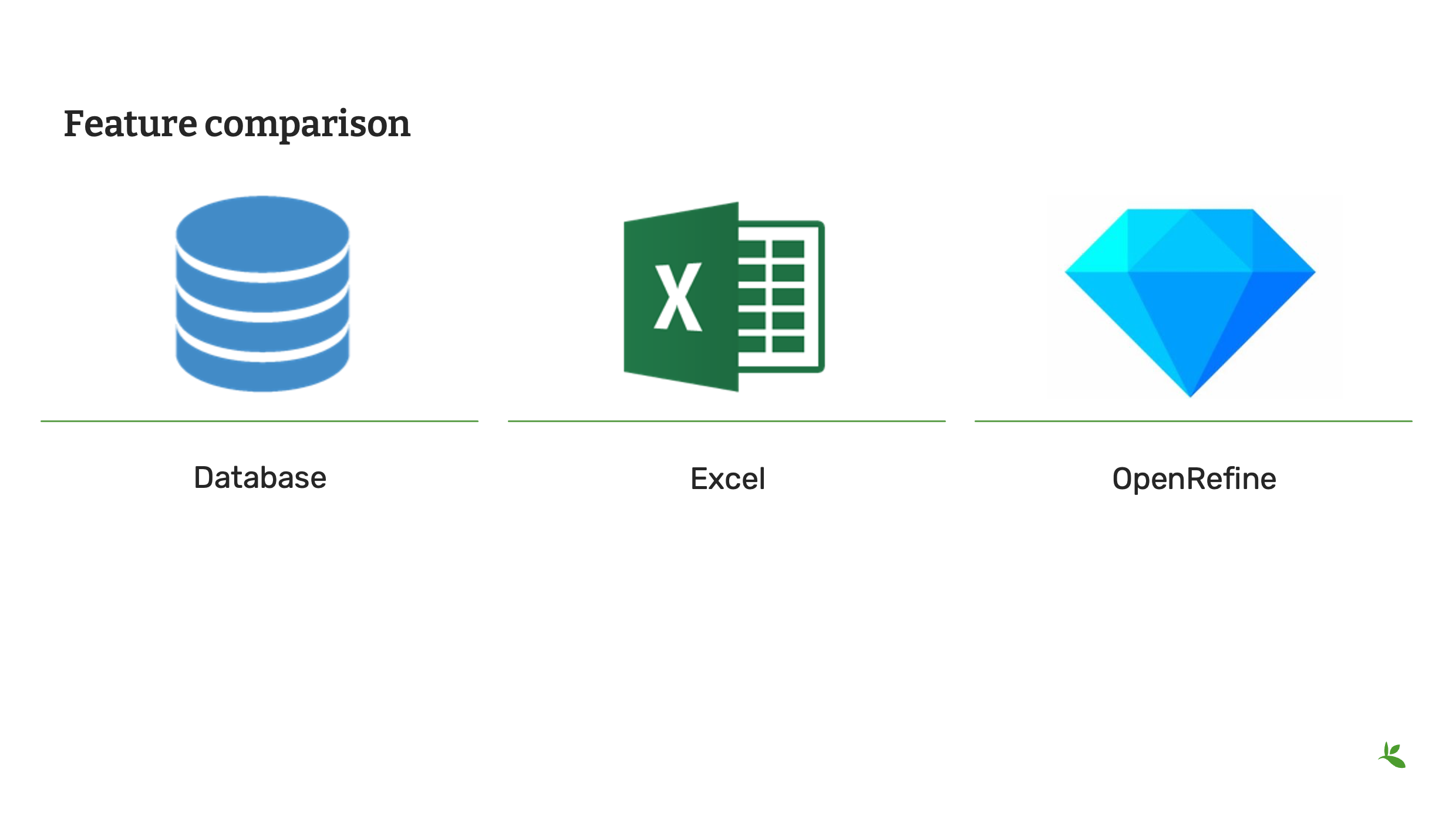
As OpenRefine is a different kind of tool, you should consider when it is appropriate to use it versus other tools.
A database provides infrastructure for storage and indexing of data. Generally, it requires programming skills to edit and is absent of easy visualization.
Excel is a spreadsheet application. It is useful for documenting data and performing operations. And while you can manage your data and have limited ability to clean and standardize your data, it is usually restricted to editing cell by cell. Data is not always visible and it lacks powerful visualization tools.
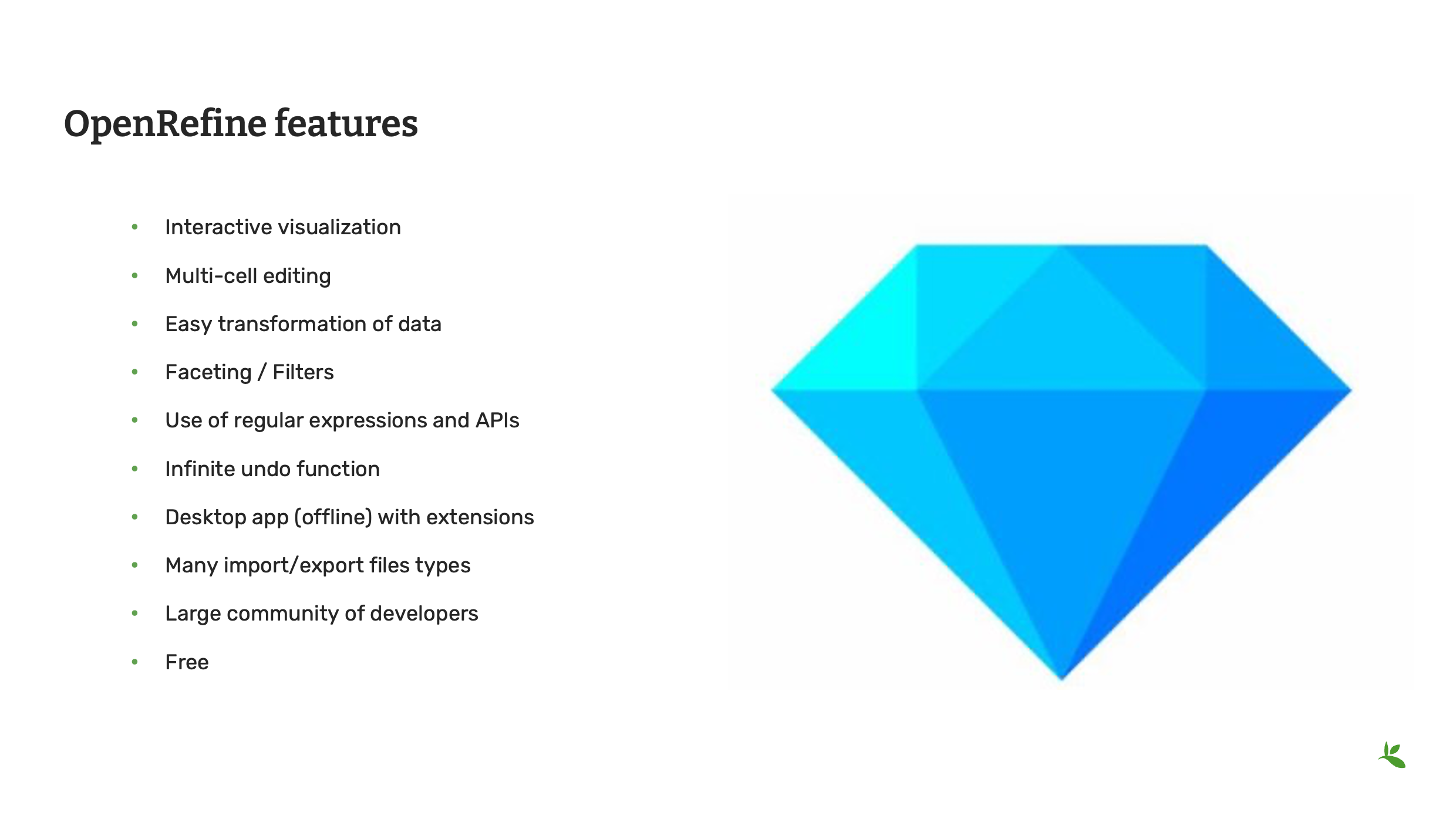
OpenRefine in contrast offers multi-cell editing, easy exploration and transformation and interactive visualization. But as mentioned previously, it is not for storing and managing data.
Slide 6 - OpenRefine features
So now that you understand the differences, here is a list of useful features that you will find within OpenRefine. You will soon have an opportunity to complete a tutorial to try all the features.
OpenRefine is a software that you install on your computer. It requires the JAVA JRE/JDK to run. It works on Windows, Mac and Linux.
As OpenRefine is free and open source, it is supported by a large community of developers and users. It easy to find tutorials online on how to use the tool.

Slide 7 - Conclusion
This is part of a series of presentations used in the GBIF Biodiversity Data Mobilization course. The biodiversity data mobilization curriculum was originally developed as part of the Biodiversity Information Development Programme funded by the European Union.
This presentation was originally created by Nestor Beltran with additional contributions by Sharon Grant, David Bloom, GBIF Trainers, Mentors and Students. This presentation has been narrated by Laura Anne Russell.
Exercise 2c
|
In this exercise you will use OpenRefine to improve the quality of a dataset by using the default features, existing web services and regular expressions. |
Exercise 2c
-
Download UC-Practice-2c-OpenRefine.csv. (42 KB)
-
Download and complete the exercises in OpenRefine-Exercise2c-EN.pdf. (PDF, 2.2 MB)
-
Use the previously downloaded exercise sheet to provide your answers.
Exercise resources
Validation checks
Technical errors Relatively simple, often able to be automated, checks against the integrity of the data. These may indicate incorrect exports, data mapping, field slippage (e.g. moving 1 column to the right) or data missing at the source.
-
Completeness: Whether all the data and metadata is available – are all fields present, are all fields filled out?
-
Bounds: For example, are days given in the range 1-31 (depending on month)
-
Data type: For example, does the Date field contain a date or a number?
-
Data format: For example, are Dates provided as 01/01/2010 or 01/Jan/10?
Consistency errors
Application of real-world rules to the data. These may indicate incorrect data entry from older records, transcription errors or post processing. Some are complex to implement and require reference data sets to check against. E.g. a list of known collectors and collecting habits. These rules can be gathered from data users and analysts.
-
Taxonomic: For example, if identified to species level, have a binomial scientific name and entries in genus and species fields been provided?
-
Currency: Are dates of collection, identification, update and digitization consistent?
-
Outliers: Detect outliers, but remember that not all outliers are necessarily errors. For example, compare against a known species range, or known environmental range (but remember that outliers may be misidentifications, rather than incorrect coordinates).
-
Geographic: Are the coordinates within the identified locality or region? For example, are there any terrestrial occurrences in the sea or marine occurrences on land?
-
Collecting patterns: Does the occurrence detail match the known collecting patterns of the organization or collector? Do any records appear to have been created after a collector has died (could this possibly be a different collector with a similar name)? For example, are any mammal records attributed to a bird watching group?
-
Accuracy and precision: For example, are any georeferenced records indicating very high precision or accuracy from a pre-GPS (or pre-accurate GPS) collecting period?
-
Collecting methods: Different survey methods (e.g. transects and area surveys) have particular characteristics. Are the records consistent with the method provided?
Helpful tools
Taxonomy
-
*GBIF Species Matching: https://www.gbif.org/tools/species-lookup
-
GBIF Name Parser: https://www.gbif.org/tools/name-parser
-
Global Names Resolver: http://resolver.globalnames.org
-
Catalogue of Life checklist bank name match: https://www.checklistbank.org/tools/name-match
-
iPlant TNRS: http://tnrs.iplantcollaborative.org/
Georeferencing
-
Georeferencing Calculator: https://georeferencing.org/calculator/
-
Canadensys coordinate conversion: http://data.canadensys.net/tools/coordinates
-
Google Maps: https://maps.google.com/
Dates
-
Canadensys date parsing: http://data.canadensys.net/tools/dates
Review
|
Quiz yourself on the concepts covered in this module. There may be multiple correct answers for some questions. You can read more about the answers in the Solutions Appendix. |